Overview
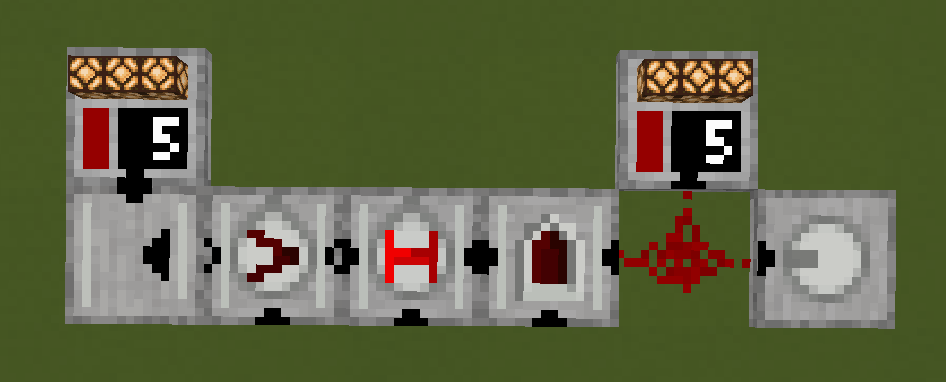
The Parallel Line Output is a block that reads the Parallel Gate Line Signal and outputs it as a redstone signal. The Parallel Gate Line Signal is a Redstone Signal that is applied at either end of a Parallel Gate Line.
Pin Mark
Pin Marks A denote the outputs of the gate. They can be configured to face any direction on right-click.
Crafting
| Ingredients | RedCu Crafter Recipe |
| 1 Smooth Stone Slab | |
| 1 Redstone Dust |
Data
Block State
Parallel Analog Bias registry name: redstonecg:parallel_line_output
Block properties:
facing(down|north|east|south|west|up): sets the direction block's bottom face is facing.rotation(north|east|south|west): rotates block around its local Y-axis (0°, 90°, 180°, 270°).waterlogged(false|true): determines whether the block is waterlogged.connection(0|1|2|3|4|5|6): Sets Pin Mark configuration.
Block Entity
Structure:
-
id: block entity identifier -redstonecg:default_analog_gate -
x: X coordinate of the block entity. -
y: Y coordinate of the block entity. -
z: Z coordinate of the block entity. -
power: The output signal strength of the gate (0-15).
Version Log
| Version | Description |
| 0.1.0 | Introduced. Block waits for Parallel Line Signal to change and updates neighbours when output changes. Stores output data as NBT on Block Entity. |
| 0.1.1 | Changed registry name from paralel_line_output to floor_parallel_line_output. |
| 0.2.0 | Changed registry name from floor_parallel_line_output to parallel_line_output. Can be placed on walls and ceiling. Updates the block on the connection side when output changes instead of updating all neighbours. Output data is stored directly on Block Entity. Lost `rotate` and `mirror` block methods.. |
| 0.2.1 | Reimplemented `rotate` block method. |